I’ve never been fully comfortable using cloud-based LLMs. Most of them require sending your data to remote servers, which raises obvious privacy concerns. On top of that, many AI tools are locked behind expensive subscriptions, and you have little control over how they work.
With how fast local models have improved, I wanted to see if running my own LLM was finally practical. There are several reasons to try hosting LLMs yourself, so I gave self-hosting a shot, and I was actually pretty amazed.
For my setup, I used Ollama as the core engine to run the language models. If you haven’t heard of it, Ollama is a lightweight framework designed to make running large language models locally much more approachable. It handles the entire process, from downloading model files to setting up the runtime environment and managing hardware resources.
You can run models with just a few terminal commands without manually dealing with all the backend configuration that normally comes with local LLMs. Ollama works entirely on your machine, so the models and the data stay local. It supports most open models like DeepSeek, LLaMA, and others, and you can even load your own if you want. It also handles optimizations automatically to ensure the models run efficiently based on your hardware.
While Ollama itself isn’t containerized by default, I ran the entire stack inside Docker to keep things isolated and easier to manage. That also made the setup portable and helped avoid any conflicts with other dependencies on my system.
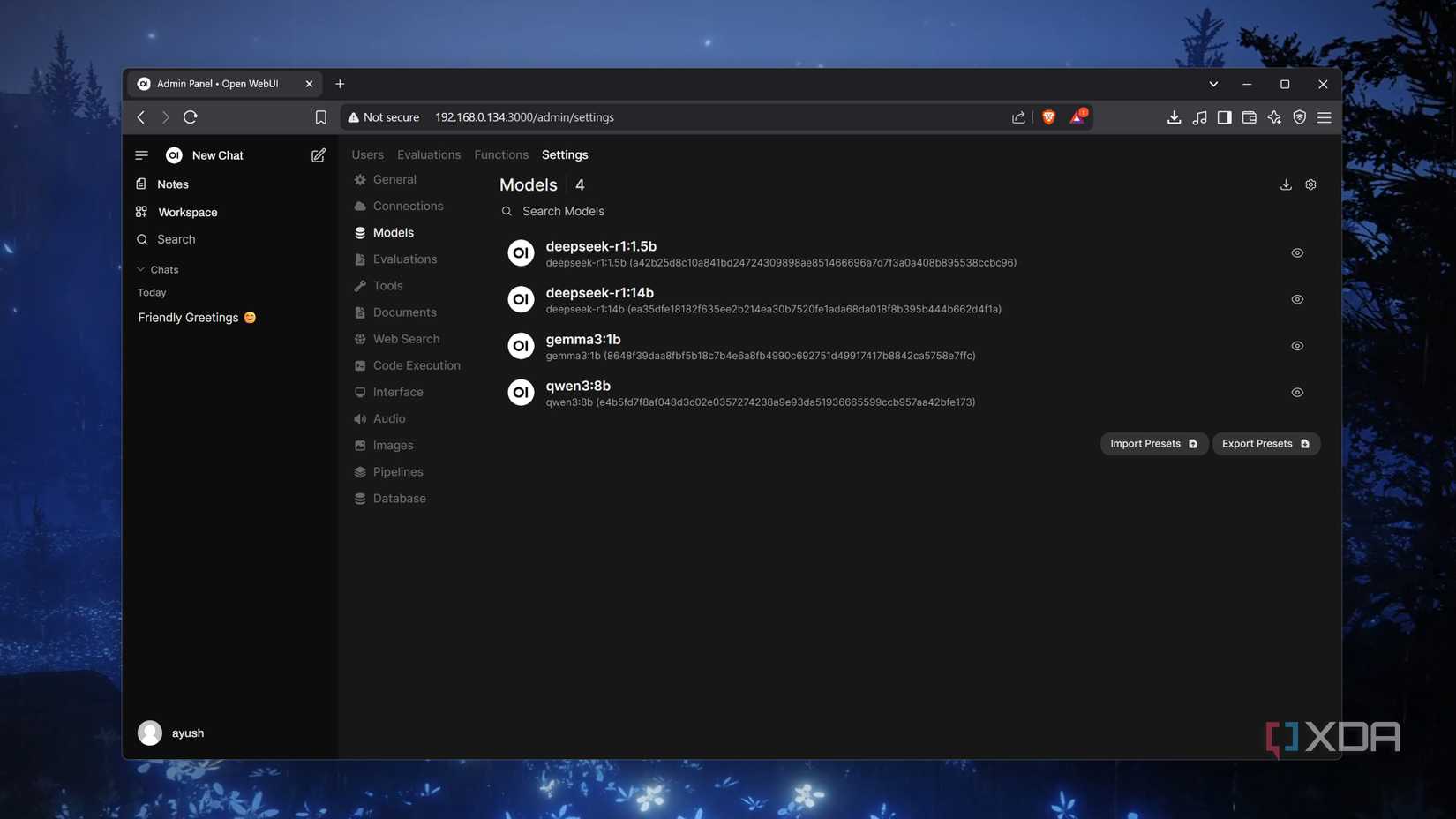
For the user interface, I paired Ollama with Open WebUI. It’s an open-source web frontend that hooks directly into Ollama’s API, providing a clean, chat-style interface to interact with your models. I exposed the setup using Ngrok so I could securely access it remotely, while Open WebUI also handled basic authentication to keep things locked down.

Ollama is a platform to download and run various open-source large language models (LLM) on your local computer.
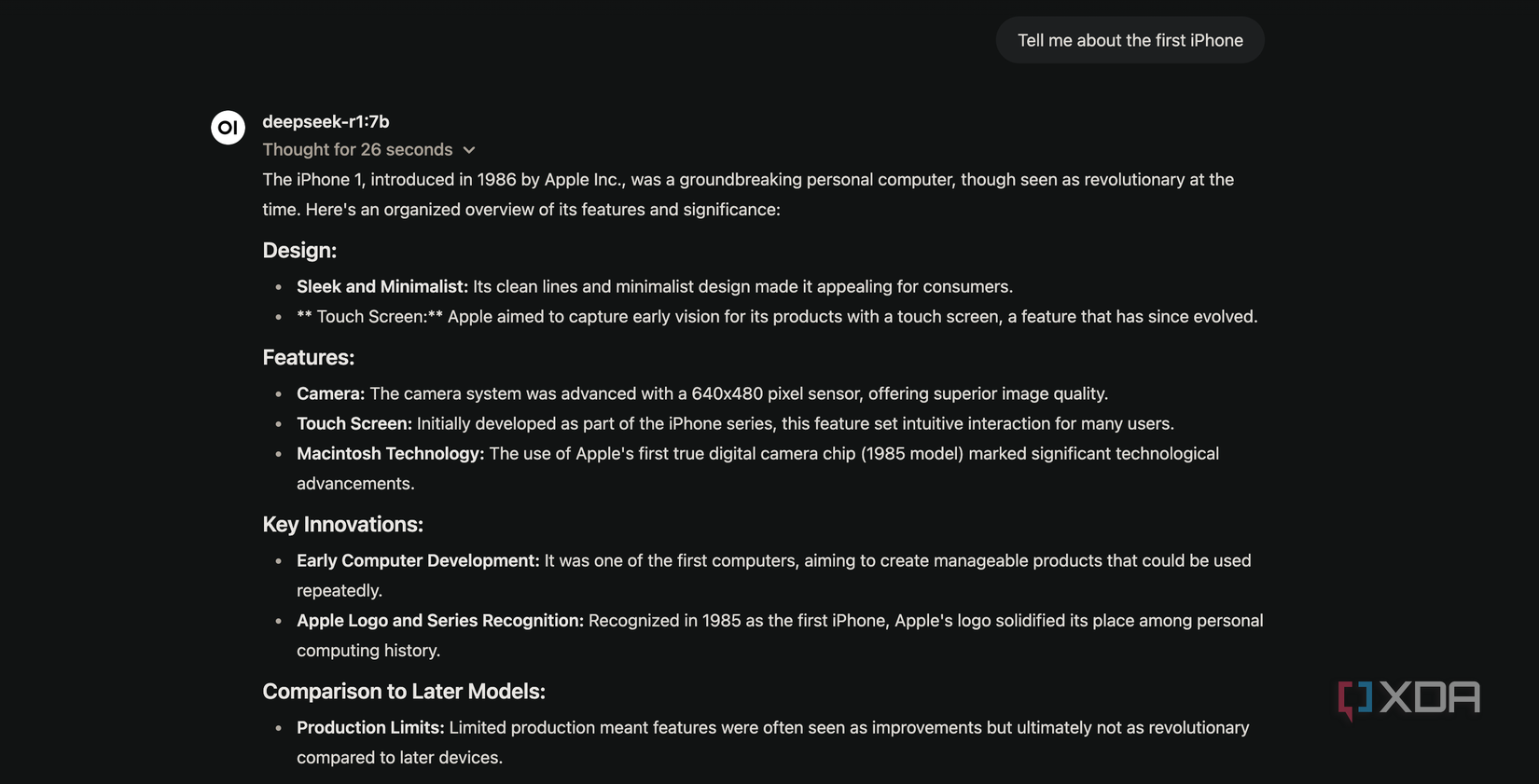
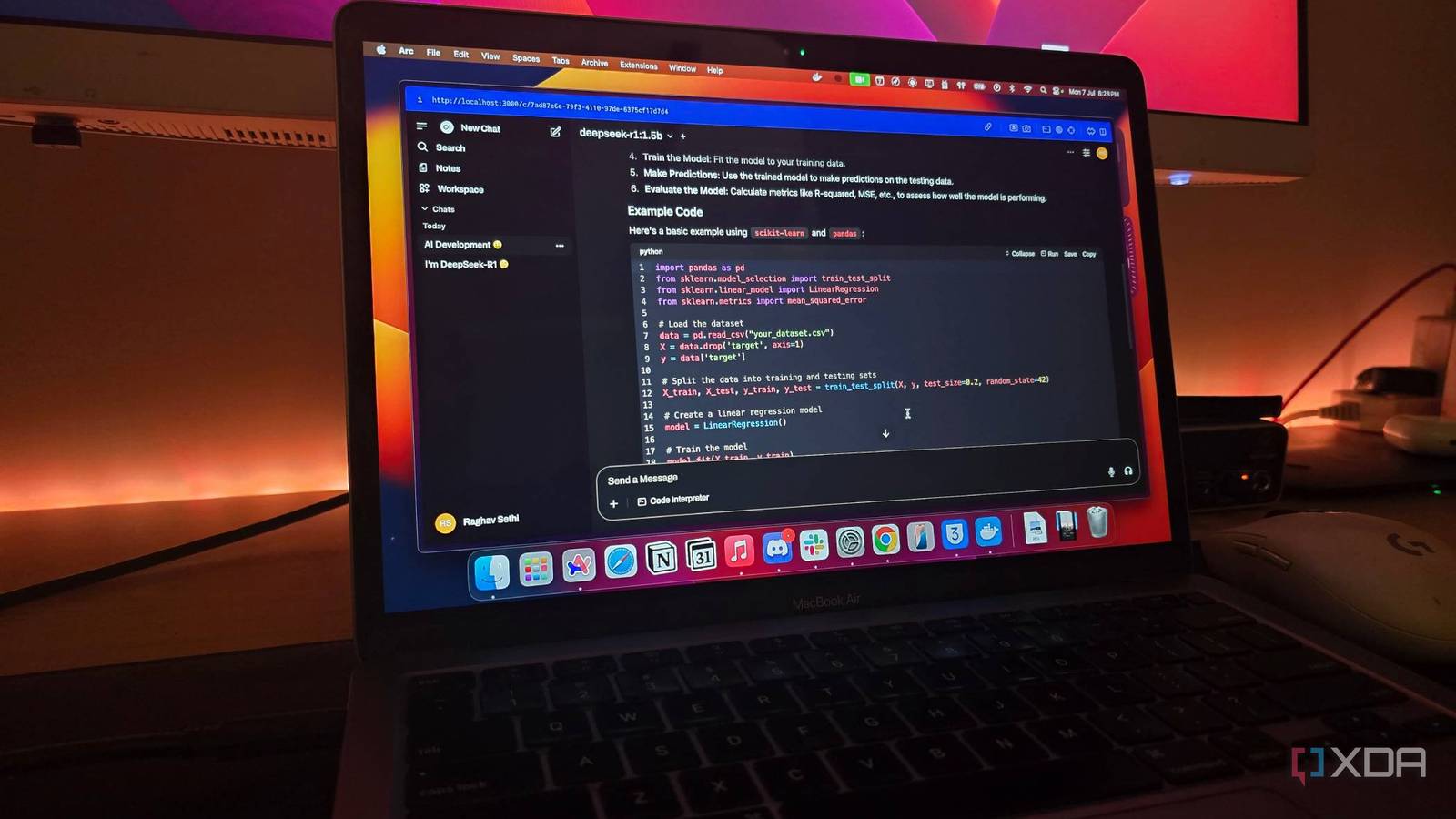
The first step was choosing the right model, and I went with DeepSeek R1's 7B parameter model. I’m running everything on a MacBook Air with an M1 chip and 16GB of unified memory. It’s definitely not a machine built for heavy AI workloads, but I was surprised at how well it handled things.